Monday, 2 January 2017

Safe Work Practices for Performance

Safe Work Practices for Performance.

It is essential to maintain safe and healthy work practices when preparing and during performances. One needs to take into consideration health and safety rules in order to prevent any injuries and illnesses. To do this, all staff members, including Directors should contribute towards the health and safety of all concerned.
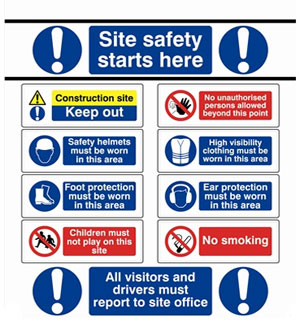
One should be able to identify and control for hazards during the setting up for the performance, during the performance, and also during the dismantling. While, for example constructing the set before the performance, the workers must wear protective clothing, use safe procedures and appropriately certified tools and equipment. Health and safety procedures are essential also during the performance, for the performer and also for the audience. 


If for example an actor uses any prop which is made out of metal, it needs to be artificial as it might be dangerous for the actor.
It is also important that safety procedures when using electric equipment is adhered to. If for example there would be a cable which is broken or has a crack the management should take the appropriate procedures to repair it so that it would be safe for bothe the performers and also the audience. People who work with electricity need to wear protective gloves, head torches and safety shoes. The staff who work backstage normally work in the dark and so they would need to wear a head torch. 

Image result for theatre health and safetyIt is also important to have fire exit signs, in case of any emergencies, such as a fire incident. This should make the place safer for the audience and for the staff.

Below shows a video about health and safety on stage:


https://www.youtube.com/watch?v=f4mCC2BKuLE

Saturday, 31 December 2016

Digital Audio Workstations (DAW)

Digital Audio Workstations (DAW)

DAW is a type of software. All DAWs, come with sufficient plug-ins and software tools to help the user. There are many types of DAWs and so one should consider a number of factors when buying a DAW. However, at the moment the majority of DAWs, are all of good quality making genuine multi-track recordings. Besides this, setting up complex MIDI (Musical Instrument Digital Interface), this is a computer program to handle an audio loop.


Pro tools need to have a sample rate of 44.1 kHz which is commonly used for music and 48 kHz which is usually used for films. Mono describes as single audio channel while stereo describes as left and right audio channels. When we say 'Fade in', the sound increases slowly while someone speaks while 'Fade out' is vice versa.
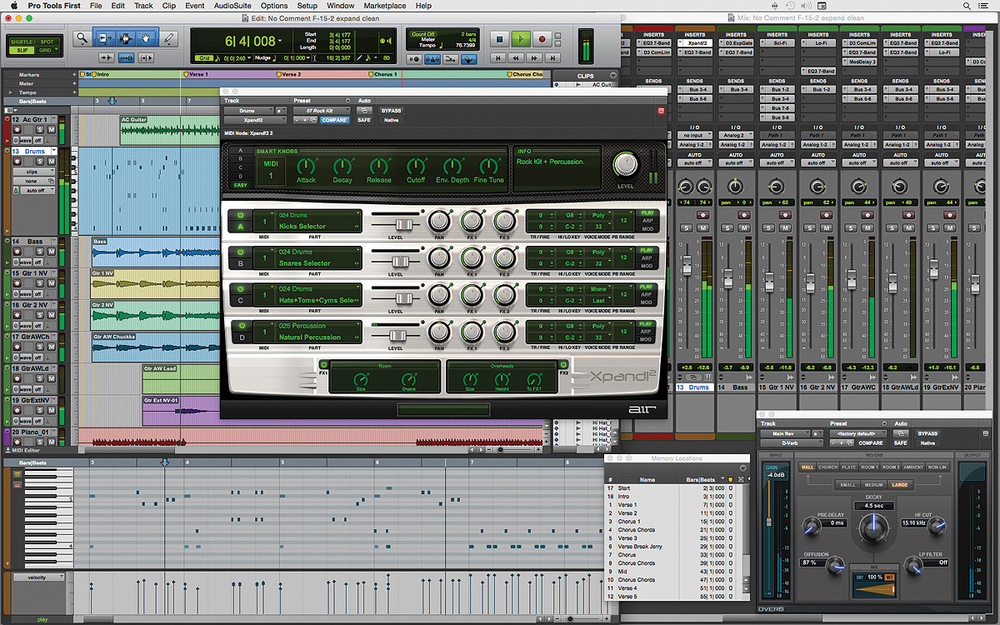
Avid's Pro Tools

Avid's Pro Tools, for example, are commonly used for industrial purposes. It was initially an audio-only system, constructed for recording, editing, and mixing. The editing and the mixing of the Avid's Pro Tools are found to be one of the finest tools The MIDI and the content tools have been used for quite some time. This is no longer the case since the Pro Tools have been a very good MIDI sequencer for many iterations. Notwithstanding this, audio is definitely an outstanding choice for people who do numerous multitrack recording and mixing. 


Image result for steinberg cubase 8
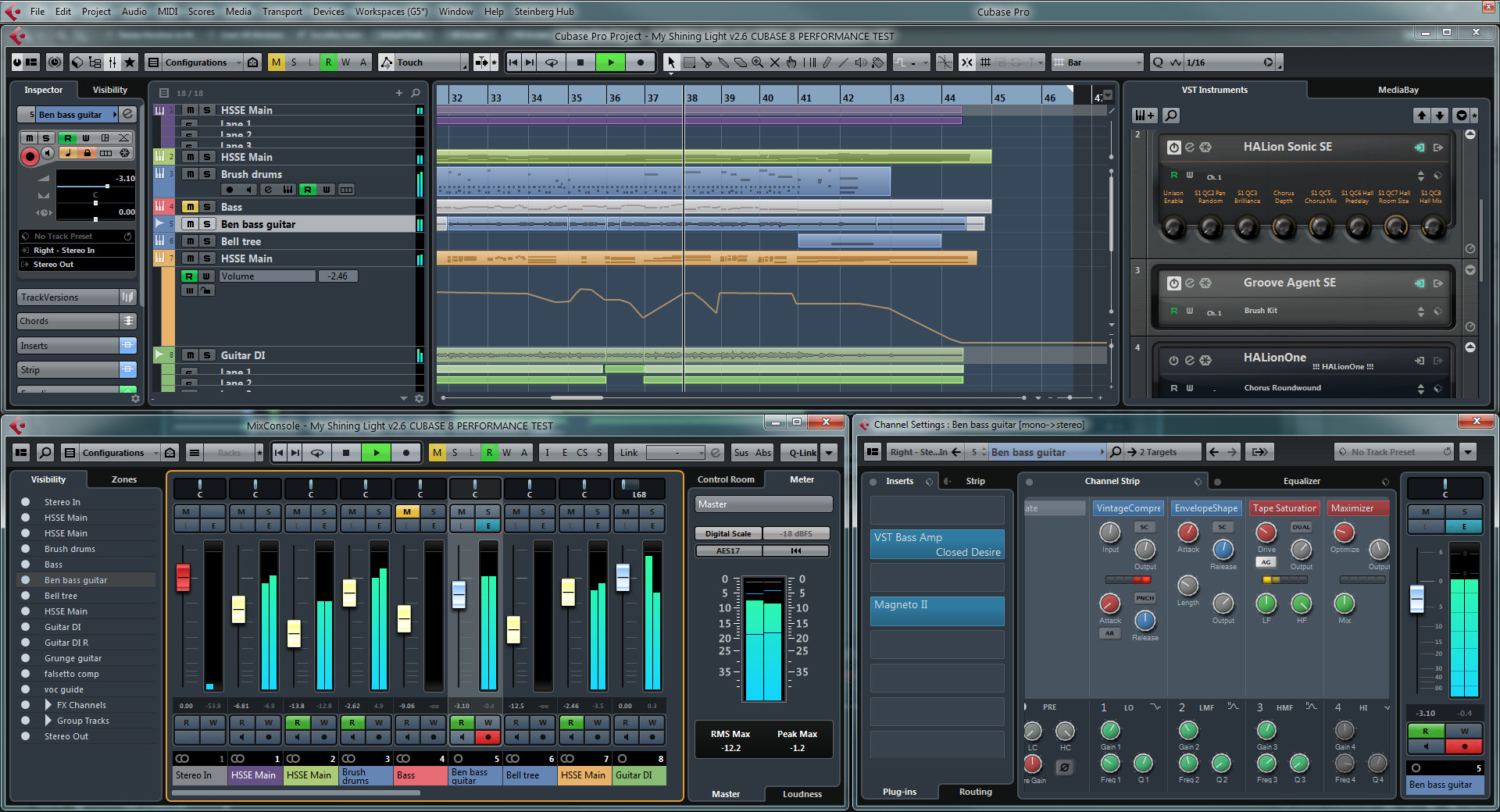
Steinberg Cubase

Reflecting the transformation of Pro Tools is Steinberg's Cubase. This started as a MIDI (only sequencer for the Atari), though it has inserted a complete audio recording, editing and mixing features for years. Atari is a word which is used between electronic musicians. Steinberg Cubase and Avid Pro Tools have together been used in a particular way. This is that, since Cubase has experience in editing systems and a superior mixing features, like VCA faders, to oppose those of any Digital Audio Workstations. VCA stands for Voltage Controlled Amplifier. It is a channel gain control that can be regulated by changing a DC voltage on the control input.


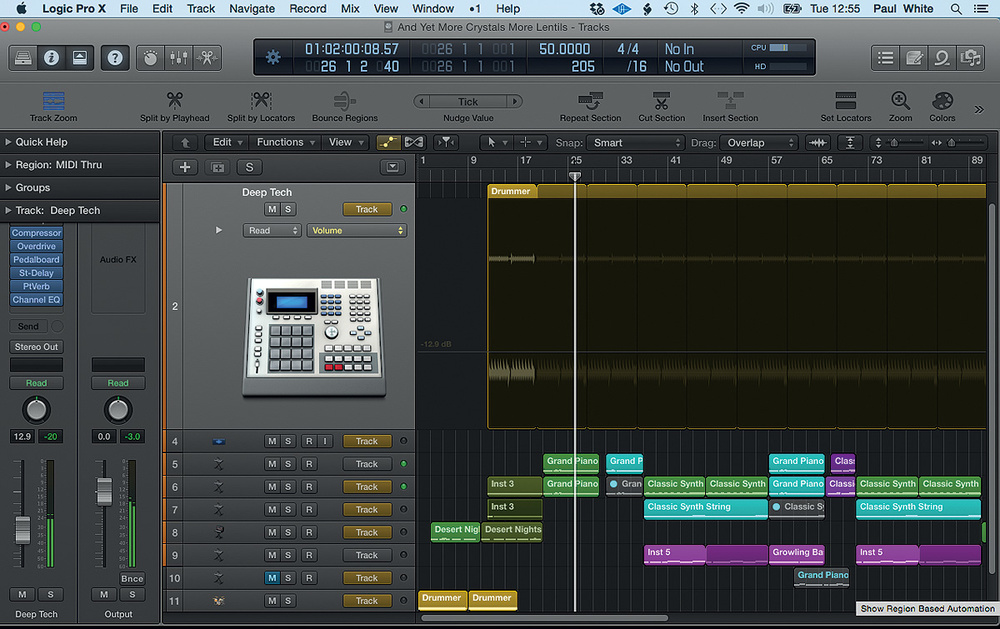
Apple Logic


Similar to Cubase, Apple's Logic started as a MIDI sequencer and picked up its audio chops over a while. Currently, it can be said to contest with the finest of them, in relation to recording, editing and mixing. Unfortunately, it is a Mac-only programme and so it gives the Apple fans to be superior about. However they are superior in some cases: Logic is possibly the best-selected DAW in expression of the instruments and sounds that are included with it - particularly in its moderate low price. The user gets the EXS sampler and some instruments which will be in the Logic are Drummer, Piano and synthesizers. The Apple's Logic does not have a bad editing either.


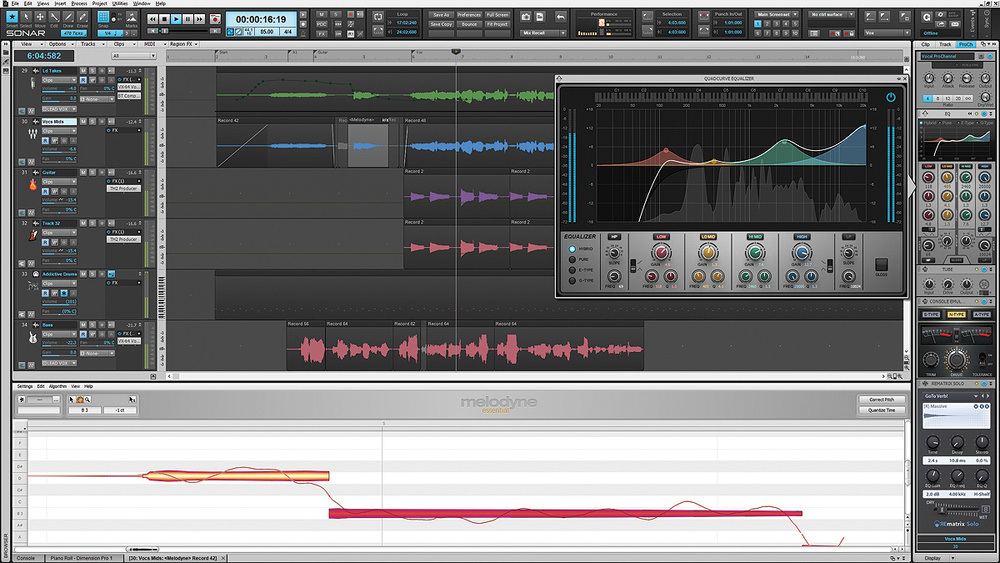
Cakewalk Sonar


The fullest version of Cakewalk Sonar Platinum has an instrument and plug-in bunch to rival Logic's, in addition to Addictive Drums 2 Producer Bundle, Pro-channel, a new vocal-aligning plug-in, this is called Vocal-Sync and a plethora of highly notice software synths, this includes Z3TA+ Classic, Dimension Pro and Rapture. AudioSnap is Sonar's holding on time-stretching and audio-added technology and the only thing that has been included is Mix Recall. This enables you to save versions of mixes in the same project, such as for easy vocal up and vocal down bounces.


Propellerhead's Reason

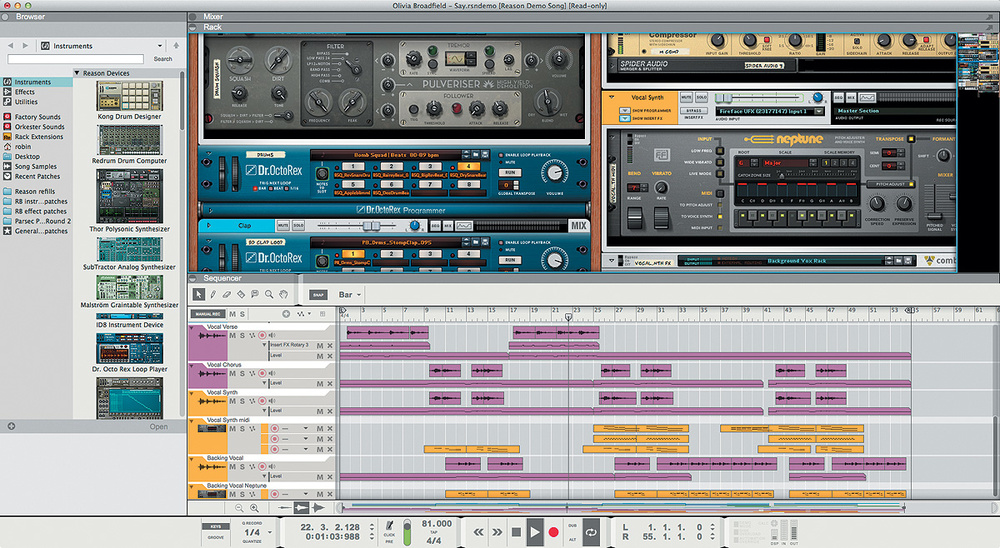
Synthesizers and electronic music are preferred by users, a less better option is Propeller-head's Reason, which was basically accepted as a kind of basic synth rack and sequencer. Its origin are still much noticeable as there is still a synth rack which the user can swap around to connect its virtual cables and patch panels and a huge collection of synths and samplers is added in the package. However the latest version is definitely in a better total fledged DAW, entirely with a good SSL-inspired mixer. Like its inspiration, Reason's console have EQ, gating and compression on every channel, additionally on the master bus and there is a plan for extensive use of multing. Multing means duplicating mixer channels and then manage them dissimilarly, for detailed parallel-processing method.

Hereunder shows how to prepare a mix in a DAW:


https://www.youtube.com/watch?v=tTz6XHK2eKQ

Wednesday, 14 December 2016

Audio Connectors

Audio Connectors


Image result for A-gauge jack plug
A-gauge jack plug
There are five audio connectors which are commonly used. These are; the XLR, the B gauge jack plug, the Bantam/TT plug, the A-gauge jack plug and the RCA phono plug. 
Image result for Bantam/TT plug


Bantam/TT plug
Image result for xlr connector
XLR Connector


Image result for B gauge jack plug
B gauge jack plug
Image result for RCA phono plug
RCA phono plug


The three-pin XLR seems to be the connector which is the most strongly associated with professional sound equipment. These are both used for mics and for line-level combinations. 

This standard has 3 pins. Pin 1 interfaces the hot side of the balance on pin 2 and the cold side on pin 3. Most of the time pin 3 would be remembered by the return. 
Image result for XLR with pin numbers 
Outputs are usually given on male connectors, with pins, while on the other hand inputs are usually given on female connectors, with sockets.

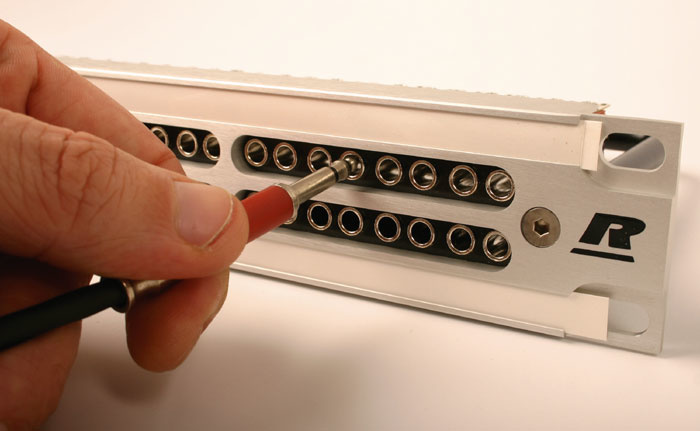
The Bantam TT is a very small version of the B-gauge. Although they are more fragile one can fit more connections. This has made them common for requests to build for example patchbays for large consoles.

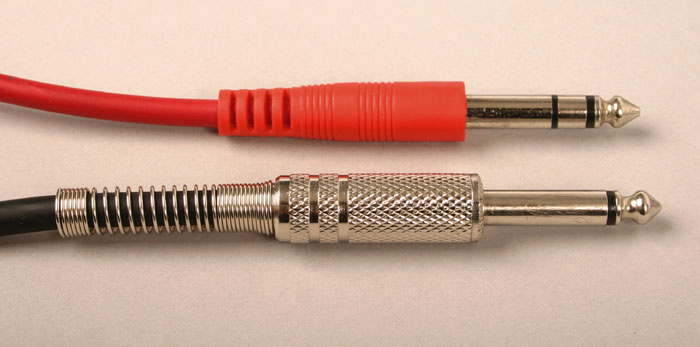
Despite the fact that A-gauge and B-gauge have the same overall shaft diameter, they have completely different tip shapes and also the dimensions and positions of the insulators are different. The difference between them is that the B-gauge plug has a small, rounded tip while the A-gauge socket is unlikely to make positive connection since it has a smaller tip. When an A-gauge plug is inserted in a B-gauge socket, its large tip tends to strain and bend the contacts. If this happens, then they become irregular with actual B-gauge plugs.
Image result for rca phono connector with information
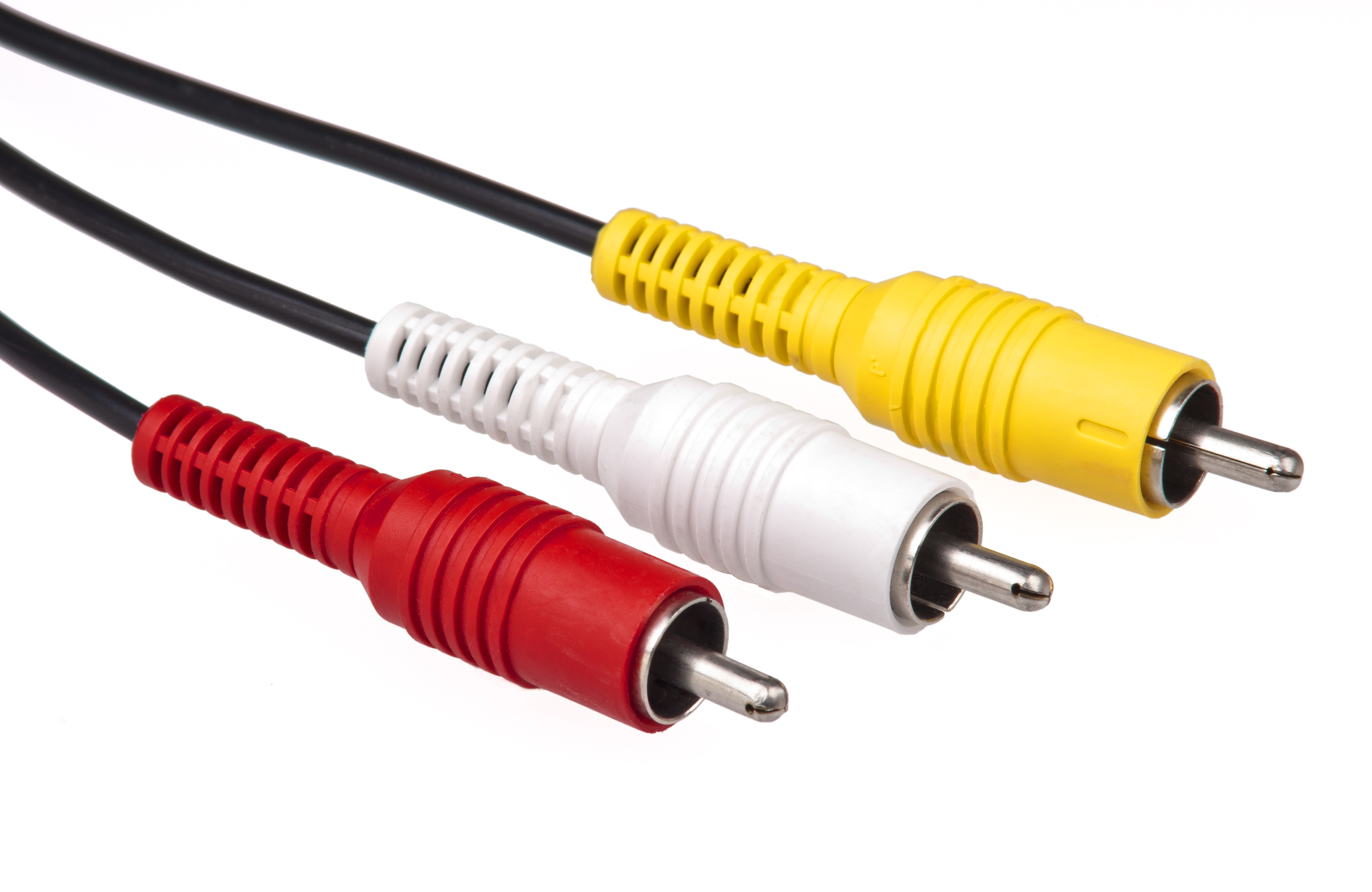
The last audio connector is the RCA phono plug. This quality is an unbalanced connector. It was very commonly used in semi professional equipment. The outer ring of the RCA phono plug and socket are usually used for the screen connections while the central of the pin or socket is usually used for the hot signal connection. The outer of the spring action is all that holds the RCA connector in place. 

Monday, 5 December 2016

Portable Audio Recorders

Portable Audio Recorders

Image result for Portable Recorders

Portable Audio Recorder is a small equipment to record sound of any kind. Some examples are music, interviews, rehearsals and conversations. The quality of Portable Audio Recorder, depends not only on the portable recorder itself but only on the quality of the microphone and more features. 

There are various types of Portable Audio Recorders. Some of them are Sony PCM-M10, Zoom H5 and Roland R-05.

Sony's take on a portable recorder
Sony PCM-M10
If we mention the Sony PCM-M10, this has important features and also it is the most popular. Their microphone is a condenser, omnidirectional. Its batteries has a good life expectancy.


One of our favorite handheld recording devices
Zoom H-5
Zoom H-5 is another example of a portable recorder. This has two XLR cables, for mics. This type of recorder also has approximately fifteen hours for usage. 


Roland's spin on a pocket recorder
Roland R-05

Roland R-05 is another example regarding the Portable Audio Recorders. This type of recorder is usually used for music equipment as this is a solid recorder. This type of recorder is a good quality for one to use. However, this recorder is not ideal to use in a performance. This is because it picks up a lot of background noise.

Sunday, 4 December 2016


Communication Headsets

Headsets come with a microphone and a headphone. Headsets can be either with one ear piece which is called mono or with a double ear piece, this is called stereo. An advantage of a headset is that it is hands-free. Musicians use headsets while recording or singing. Koss CS100 is an example of a headset.


Image result for Examples of Communication headsets
Koss CS100

Communication Headsets or headphones can be wireless. Most of the headphones use Bluetooth. These types of headphones transmit sound, they are wireless and also transmit sound at short distances. Wireless headphones transmit audio from the receiver to the headphones. They could be useful on stage as they are wireless and they transmit sound in an easy way.


Sunday, 27 November 2016

Some Examples of Headphones

In-Ear Headphones

Shure SE 315
In-Ear headphones can be also called earphones. An example of earphones is Shure SE315. This optimizes a full range sound for personal listening and/or professional use.These types of headphones are lightweight. Shure SE315 are found to be cheaper than for example Shure SE846.


Shure SE846
The Shure SE846, is commonly used in professional settings. These types of headphones enable the deep low-end performance. These headphones personalize frequency response, one can also adjust the sound signatures in order to change for example the bright options and the balance. They are made with flexible design. They are also lightweight like the Shure SE315. 

Earphones are widely used as they are practical and the user will find them very comfortable and handy to use. This is because earphones are light in weight. With earphones one can listen to music in tranquility without disturbing others. The majority of people use these types of headphones while driving or travelling. 


On-Ear Headphones

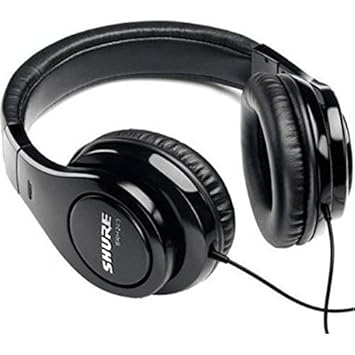
On-Ear Headphones are movable in different directions, this is convenient for the user. These types of headphones gives the user natural 'open' sound. There are some headphones which are closed-back, examples of these are the Shure SRH240A and the Shure SRH440.
Image result for Shure SRH440
Shure SRH440


Image result for Shure SRH240A
Shure SRH240A


Image result for Shure SRH1440
Shure SRH1440
The above headphones are professional. However apart from close-back headphones there are also open-back headphones, example the Shure SRH1440 and the Shure SRH1840.


Image result for Shure SRH1840
Shure SRH1840
The difference between open and closed back headphones are that the closed-back headphones have their speaker found in a solid ear cup. This does not allow sound or air to enter or exit. While on the other hand, open-back headphones, have holes in their ear cup which allows sound to pass through the back of the ear cup. These particular headphones make sound more natural than the closed-back headphones. Open-back headphone are commonly used for audio engineers who mix and edit recordings using headphones. They are also not suitable for monitoring while recording or listening to music in a noisy environment.


A video about open and closed back headphones:

https://www.youtube.com/watch?v=oqsyaHlZ6ro


Musical Headphones

Image result for Shure SE535
Shure SE535
Musicians choose the right headphones to suite their needs for a good performance. If in a performance one would use high quality headphones the user would have a special on-stage control on the headphones. Two examples of earphones that are commonly used are the Shure SE535 and the Shure SE846.
Image result for Shure SE 846
Shure SE846


Gaming Headsets

Razer Kraken Pro V2
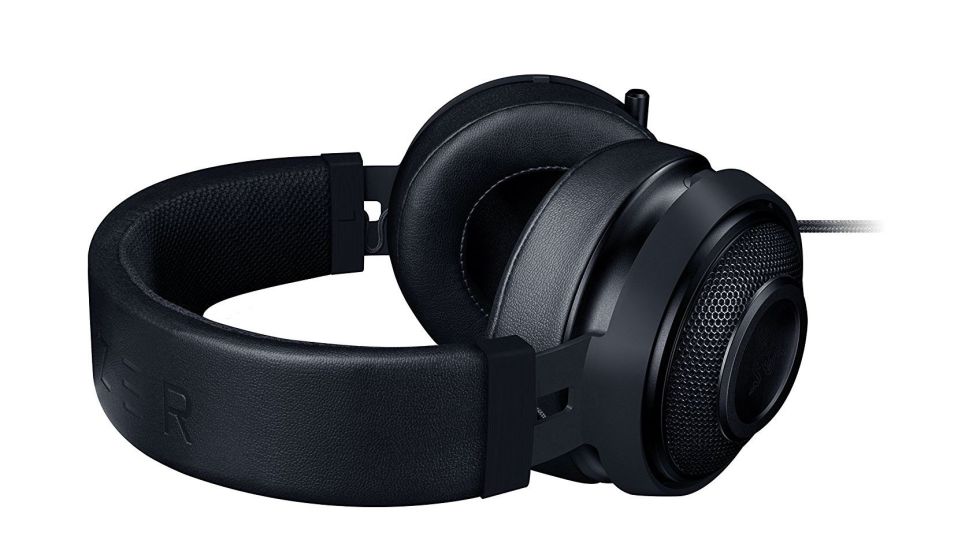
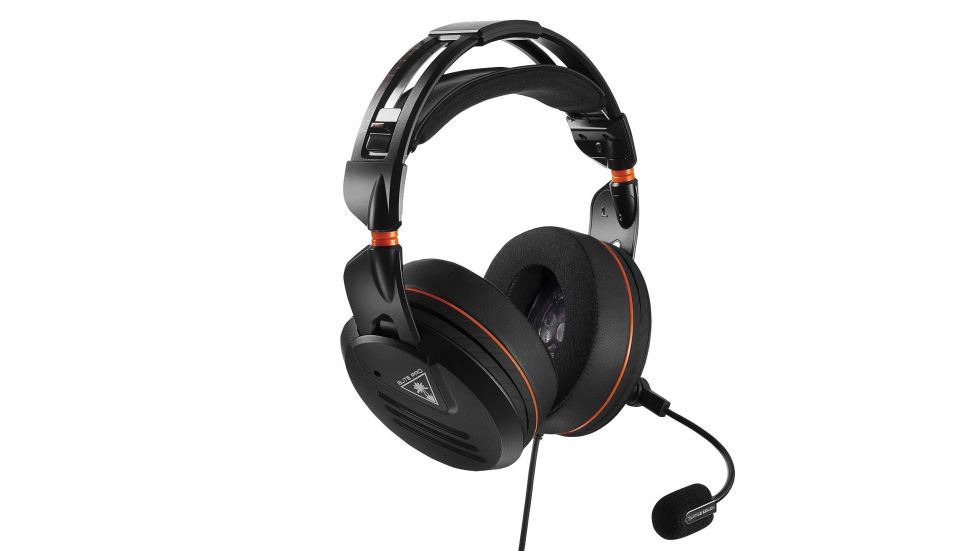
The headsets used for gaming, are designed in an over-ear manner, so that the user will have good accommodation with their massive audio drivers. Headsets with large and soft ear pad gives a person playing a game good communication. Two example of gaming headsets are the Razer Kraken Pro V2 and the Turtle Beach Elite Pro.


Turtle Beach Elite Pro

Low & High Pass Filters


Usually Low and High Pass Filters are used to define the highest and lowest frequencies of interest in the signal.

Low Pass Filter:

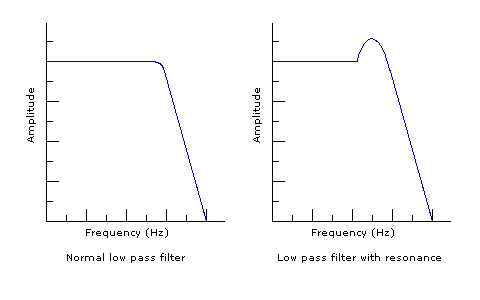
Low Pass Filter can be also called High-cut filter or treble cut filter. This type of filter cuts the high frequencies and lets the lows pass through.


Image result for low pass filter diagram in sound

High Pass Filter:

High Pass Filter can be also called Low-cut filter and also Bass-cut filter. This filter allows higher frequencies to pass through the filter. While recording audio, high pass filter can help us control problems with low frequencies.


Image result for High Pass Filter diagram in sound

High and Low pass Filters are calculated by using frequency and amplitude. Frequency is measured in Hertz (HZ) while amplitude is measured in decibels (dB).


A video clip about the difference between Low and High pass Filters:


https://www.youtube.com/watch?v=JndvN1ngSi4